
Features
Everything a society runs on
Eight groups, one record. Nothing here is on a roadmap — each line is a screen in the console your society gets on day one.
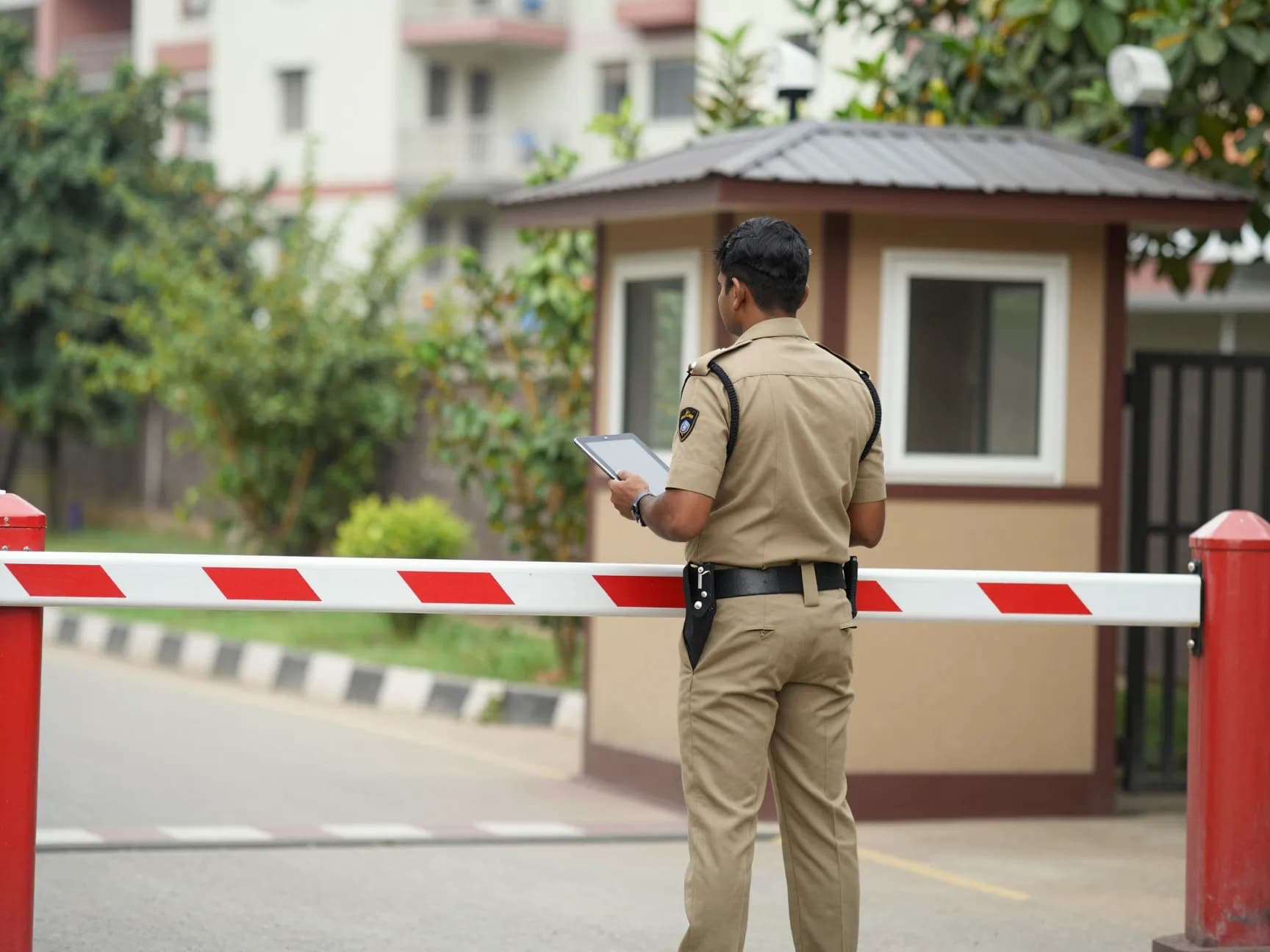
The gate
The part residents notice every day, and the part a guard has to be able to work one-handed at night.
- Pre-approved visitors
- A resident expects someone and approves them before they arrive; the guard sees the name and a code.
- Walk-ins
- An unexpected visitor is held at the gate until the flat answers on their phone.
- Gate passes
- Goods moving in or out, approved by the office, so nothing leaves on a verbal say-so.
- Parcels
- Held at the desk, logged, and the resident told it is waiting.
- Daily help and staff
- Cooks, maids, drivers and society staff with their own entry codes and attendance.
- Patrol checkpoints
- QR codes around the property, scanned on a round, with the misses visible.
- SOS
- One button, escalating at two, five and ten minutes until somebody answers.

Billing and the books
Maintenance is the society's income and the committee's biggest argument. It is double-entry underneath, not a spreadsheet with totals.
- Scheduled bills
- Raised on a day of the month, per head, per tower or per flat, and posted to the books.
- Receipts and part payments
- Against a bill or on account, with the balance always derivable.
- Late interest
- Charged by the society's own rule, as a run you can inspect before it posts.
- UPI and online payments
- Residents pay to the society's account and report it, or through a gateway once set up.
- Cheque returns
- A bounced cheque reverses its receipt and re-opens the bills it paid.
- Chart of accounts
- Forty-five accounts to start with, editable, with vouchers for every posting.
- Reports and Tally
- Trial balance, income and expenditure, balance sheet, day book — and an export the auditor's firm can import.
Help desk
A complaint that nobody owns is a complaint that nobody closes.
- Categories and routing
- Rules by category and tower decide who gets it, and the least loaded person takes it.
- SLA clocks
- Time to respond and time to resolve, by priority, visible to the resident.
- Escalation ladders
- Late tickets move up a ladder on their own, overnight included.
- Photographs
- Attached by the resident, the technician, or both.
- Predictive view
- Repeat faults on the same asset are surfaced before they become a breakdown.

Residents and homes
The register everything else hangs off.
- Towers, floors and flats
- Written the way your doors are, whatever numbering your society uses.
- Owners and tenants
- With move-ins, move-outs and the checklist each one needs.
- Rent agreements
- Dates, deposits and reminders before they lapse.
- Vehicles and parking
- Allocated slots, visitor parking, and plates at the gate.
- Pets, household help and dependants
- The details a gate and an emergency actually need.
- Join requests
- A resident asks to be added, shows proof, and the office decides.
Facilities and operations
The lifts, the pumps, the generator and the gardens — the things that cost money when they are ignored.
- Asset register
- What you own, where it is, what it cost and what it is worth now.
- Preventive maintenance
- Plans that raise their own work orders before something fails.
- Work orders
- Assigned, photographed, closed, and costed.
- Utilities and meters
- Readings, consumption, tanker deliveries, water levels, DG runs and solar generation.
- Housekeeping and waste
- Routines, checklists, missed tasks, and the wet and dry log.
- Contracts
- AMCs with their reminders, and the assets each one covers.
Vendors and purchasing
Where a society's money leaves, and where a committee most needs a paper trail.
- Purchase requests
- Raised by the office, approved by the rules the committee sets.
- Quotations
- Invited from vendors, compared side by side.
- Orders and receipts
- What was ordered, what arrived, and what was short.
- Vendor bills and payments
- Matched to orders, with TDS where it applies.
- Vendor portal
- The vendor sees their own RFQs, orders, invoices and payments — and nothing else.
Community
The reasons a resident opens the app when nothing is wrong.
- Notices
- To everyone, a tower, or owners only — with who has read them.
- Polls
- One vote per flat, open or secret, with the result when it closes.
- Events and meetings
- RSVPs, capacity, minutes and action points.
- Amenities and clubhouse
- Slots, rules, charges that reach the bill, and memberships.
- Guest house
- Rooms, bookings, no-shows and charges.
- Marketplace and lost and found
- Between neighbours, moderated, and only inside the society.
Security, privacy and control
What a committee is answerable for if it goes wrong.
- Roles and permissions
- Forty-two roles out of the box; a resident sees their own flat, staff see their remit.
- Two-factor sign-in
- Required for staff accounts by the society's own policy.
- Access cards and devices
- Cards, fobs, plates and readers, with zones and validity.
- CCTV and incidents
- Cameras on the map, incidents with updates and the footage reference.
- Audit trail
- Who did what, when, and from where.
- Data requests
- A resident's own copy, and erasure when they leave.
See it with your own society's data
Register, and once the request is approved you can load your towers, flats and residents the same day.