
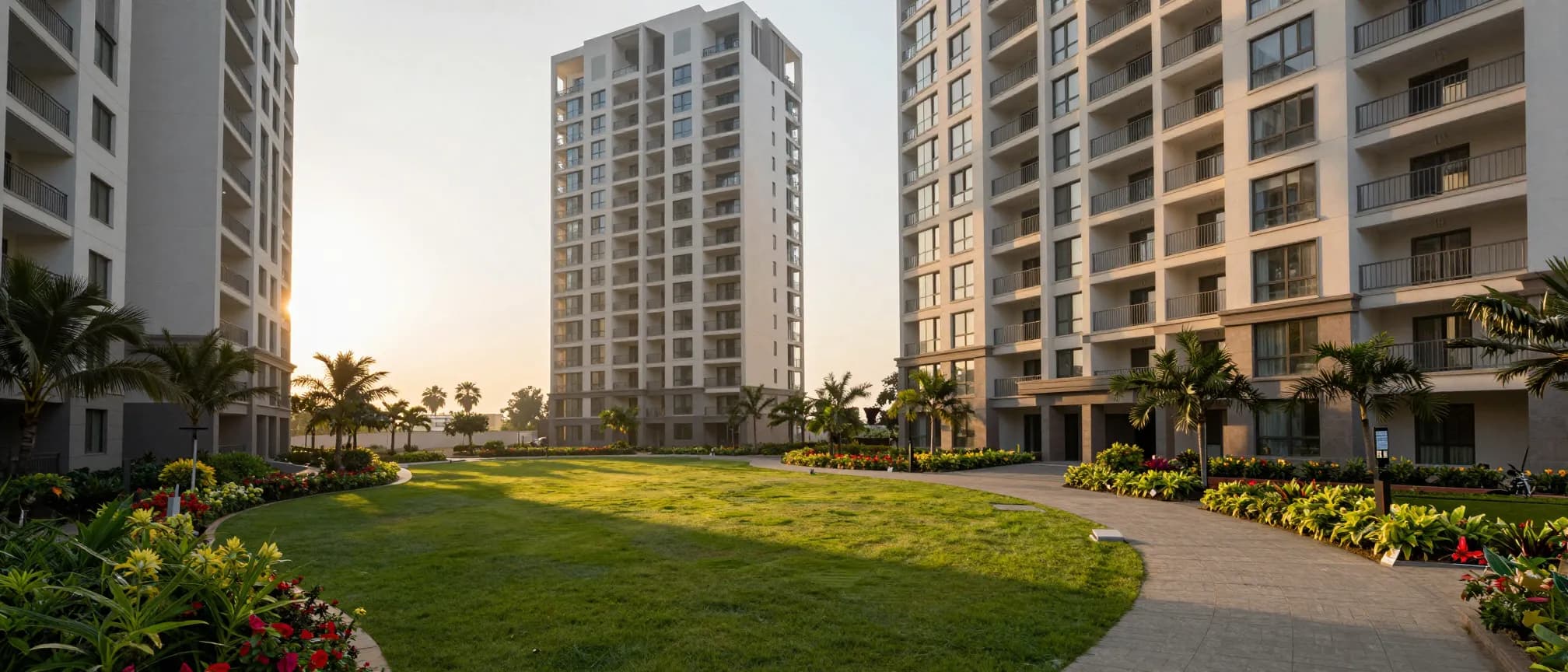
Society management, end to end
Your society,on its own address.
The gate, the bills, the double-entry books, the help desk and the clubhouse — one system at yoursociety.societyadda.com. Every society's records are held apart from every other's by the database itself.
- Gate and visitors
- Billing and books
- Help desk with SLAs
- Notices and amenities
Thirty days free · no card · your data exportable from day one
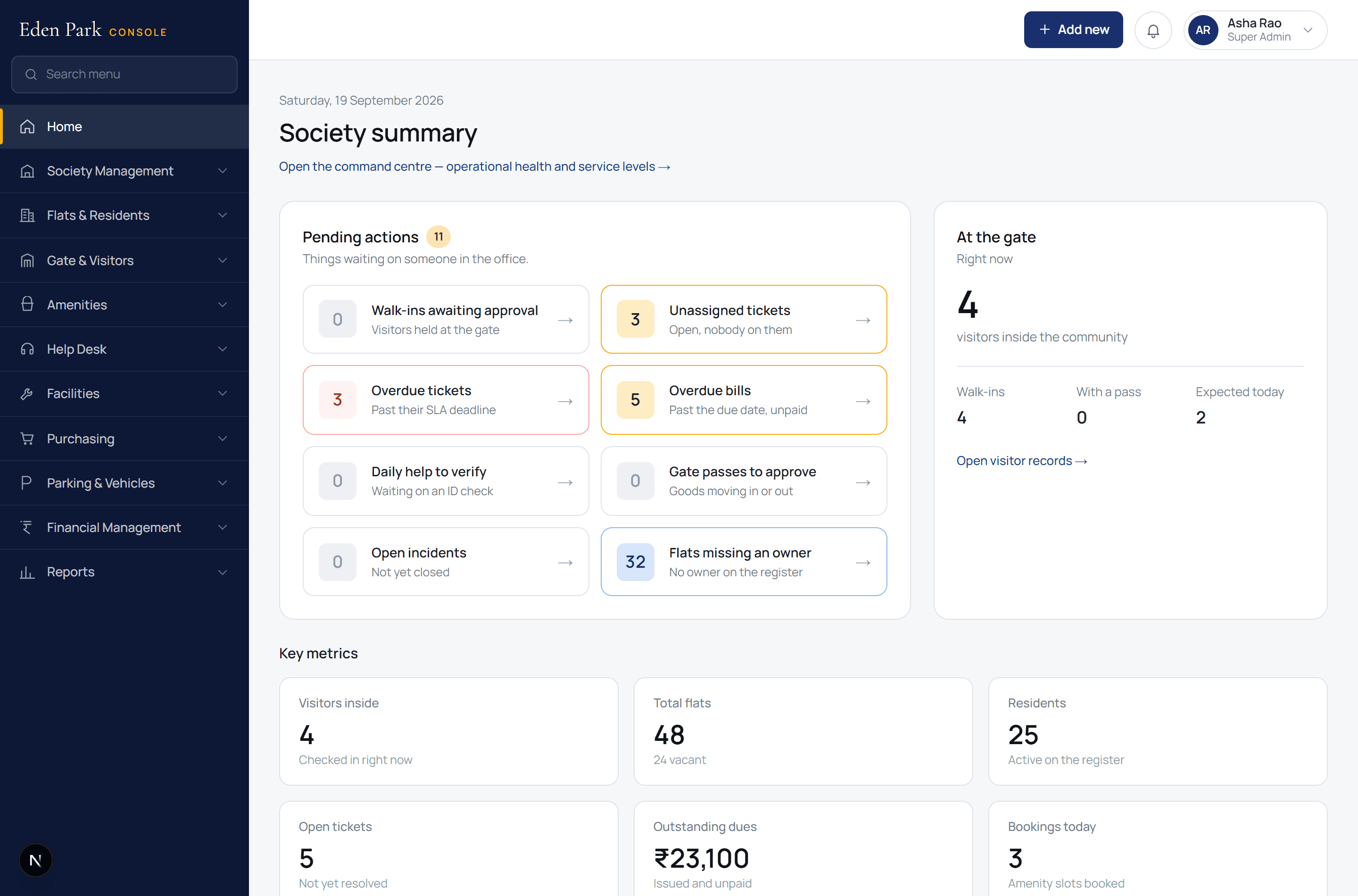
The console, with a sample society's data
The console
This is the software, not a drawing of it
Every screen below is the running application. A committee deciding between platforms should be able to see the thing itself before a sales call.
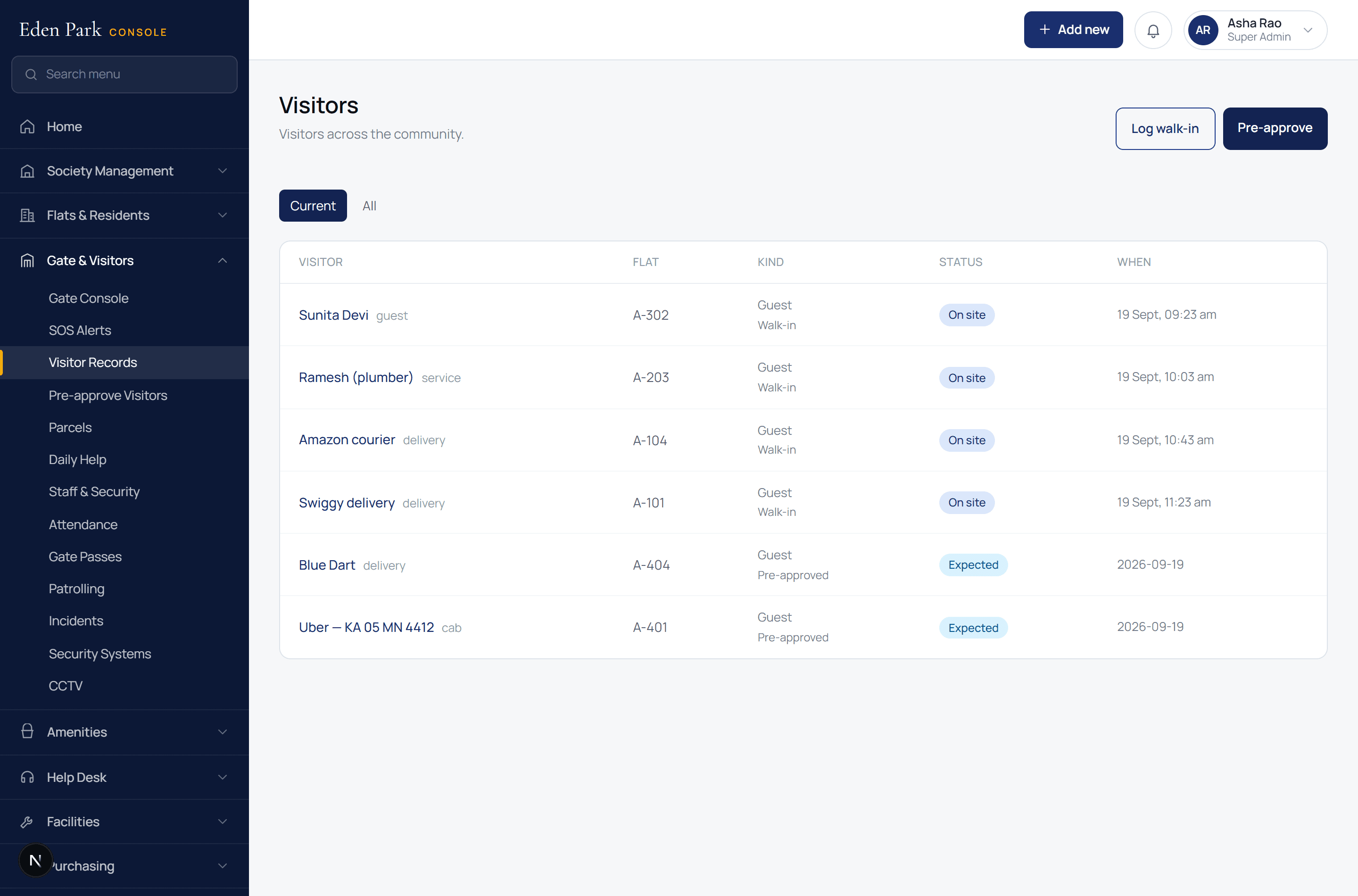
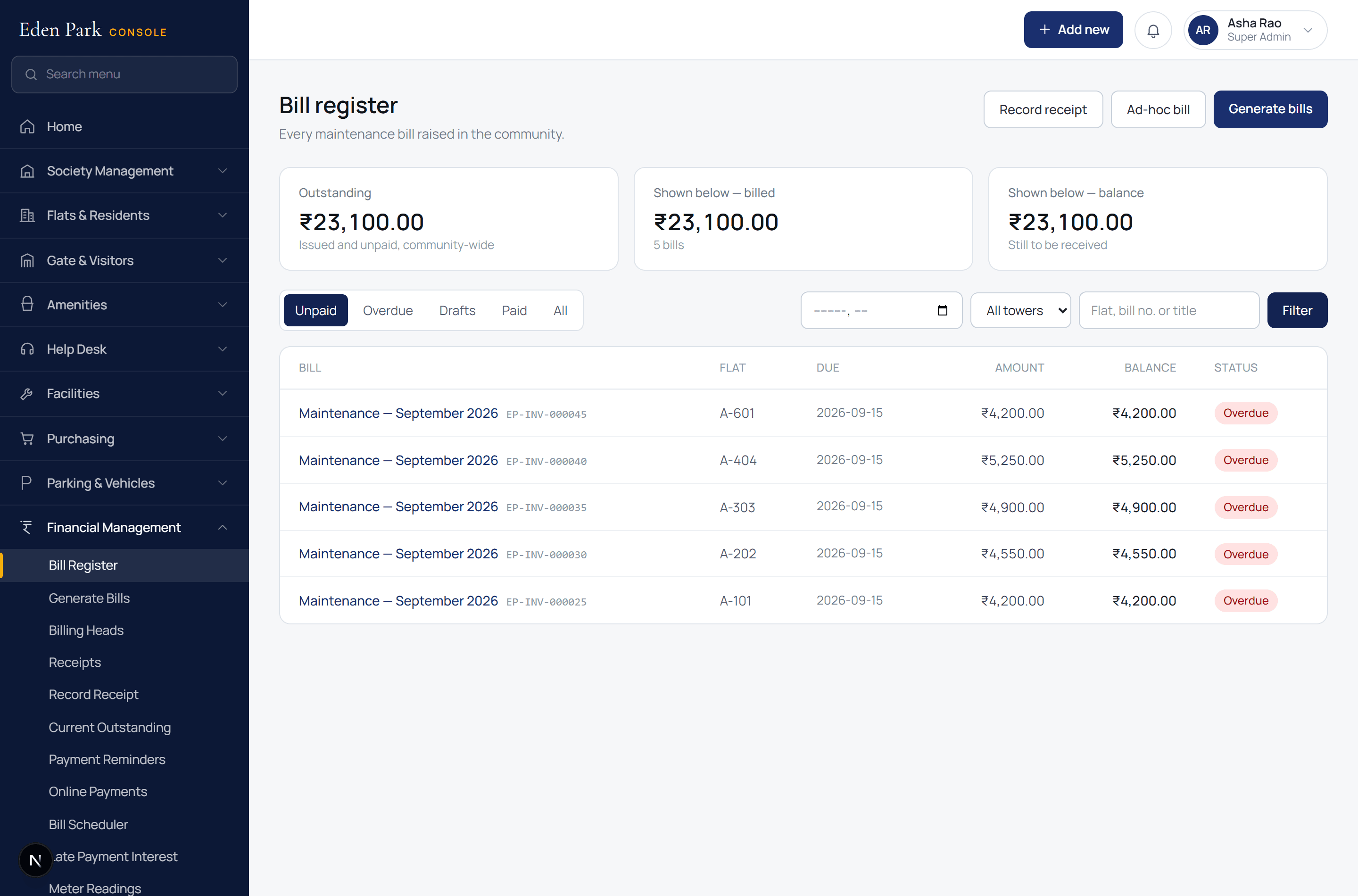
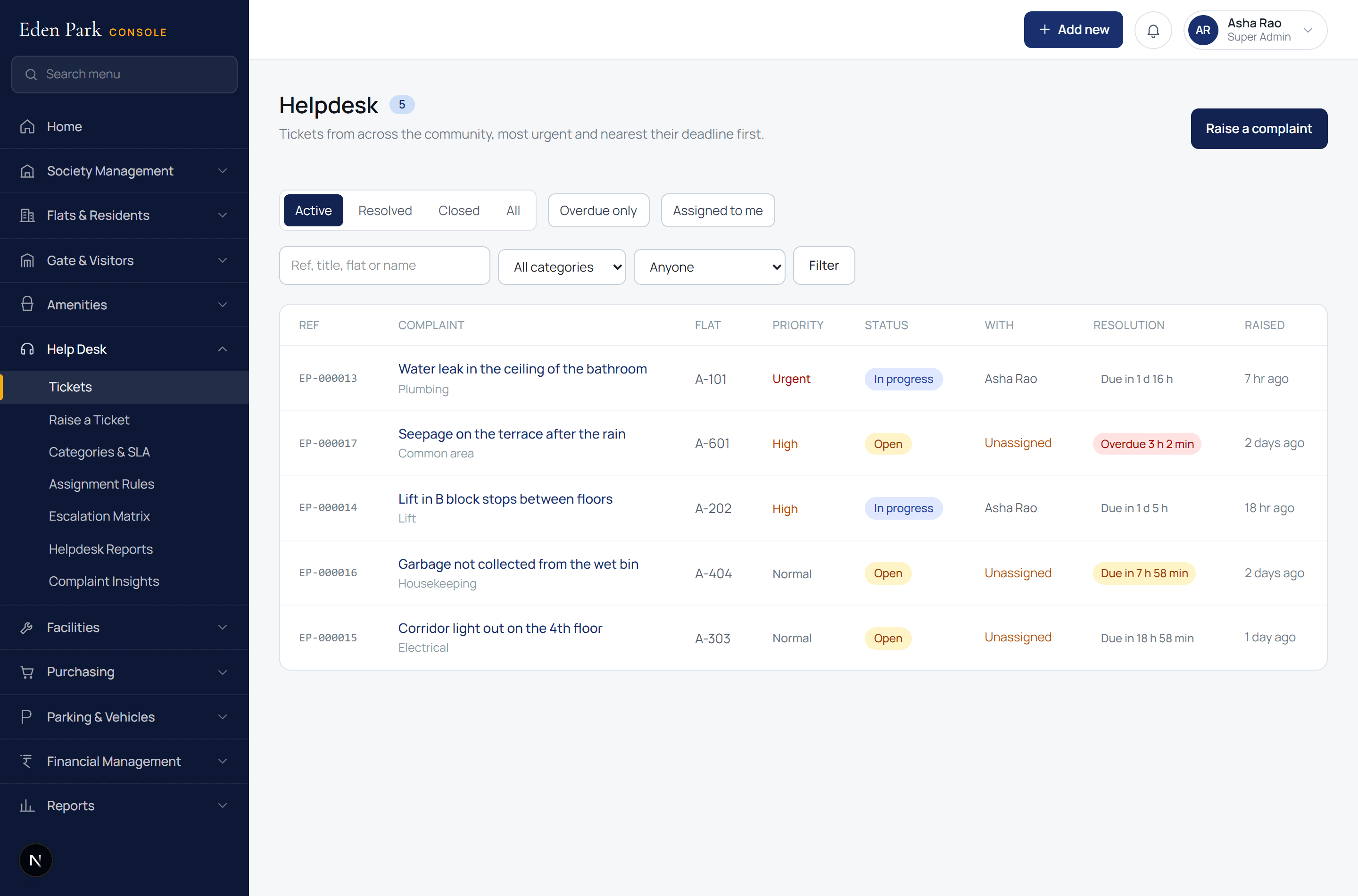
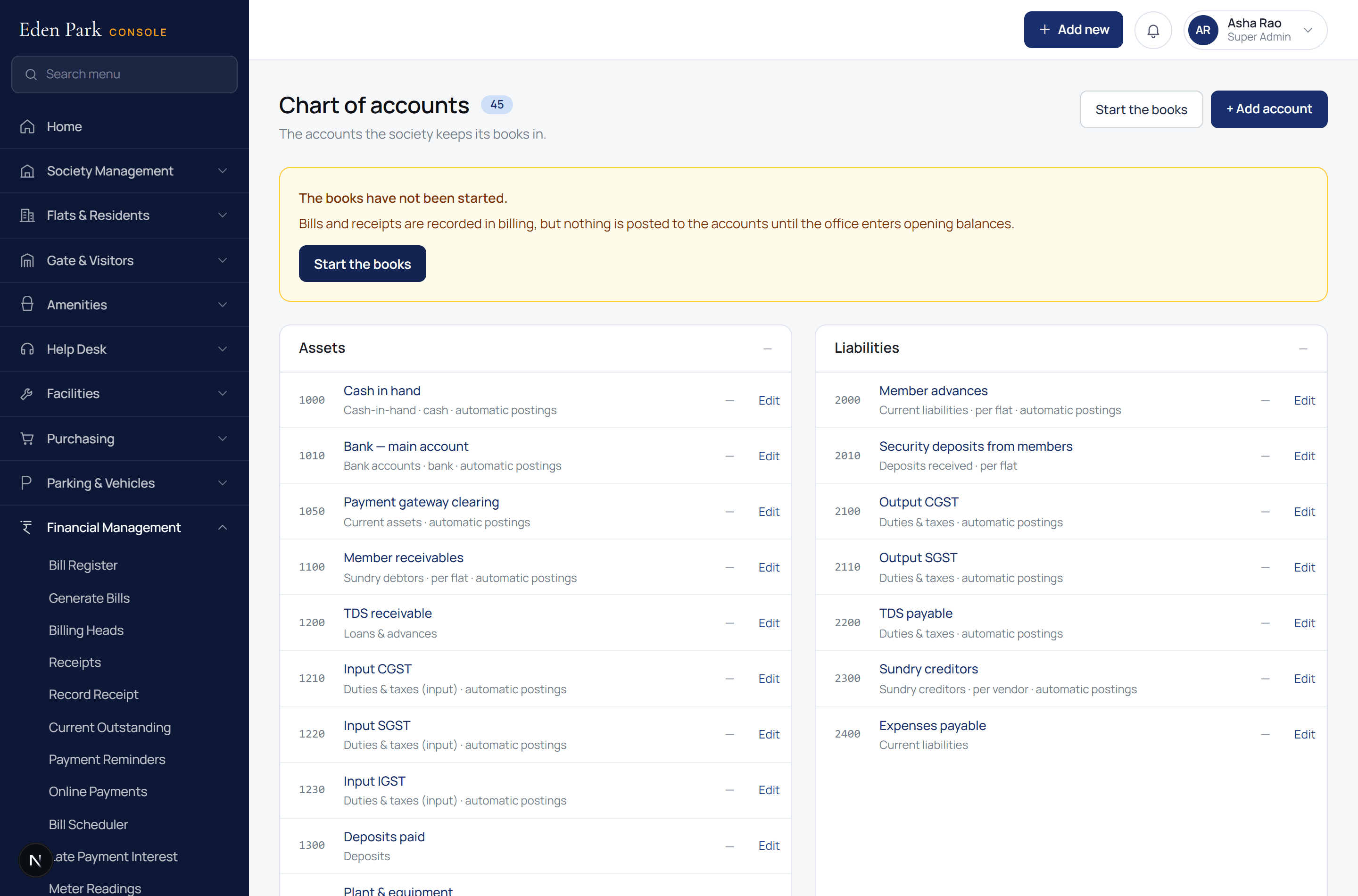
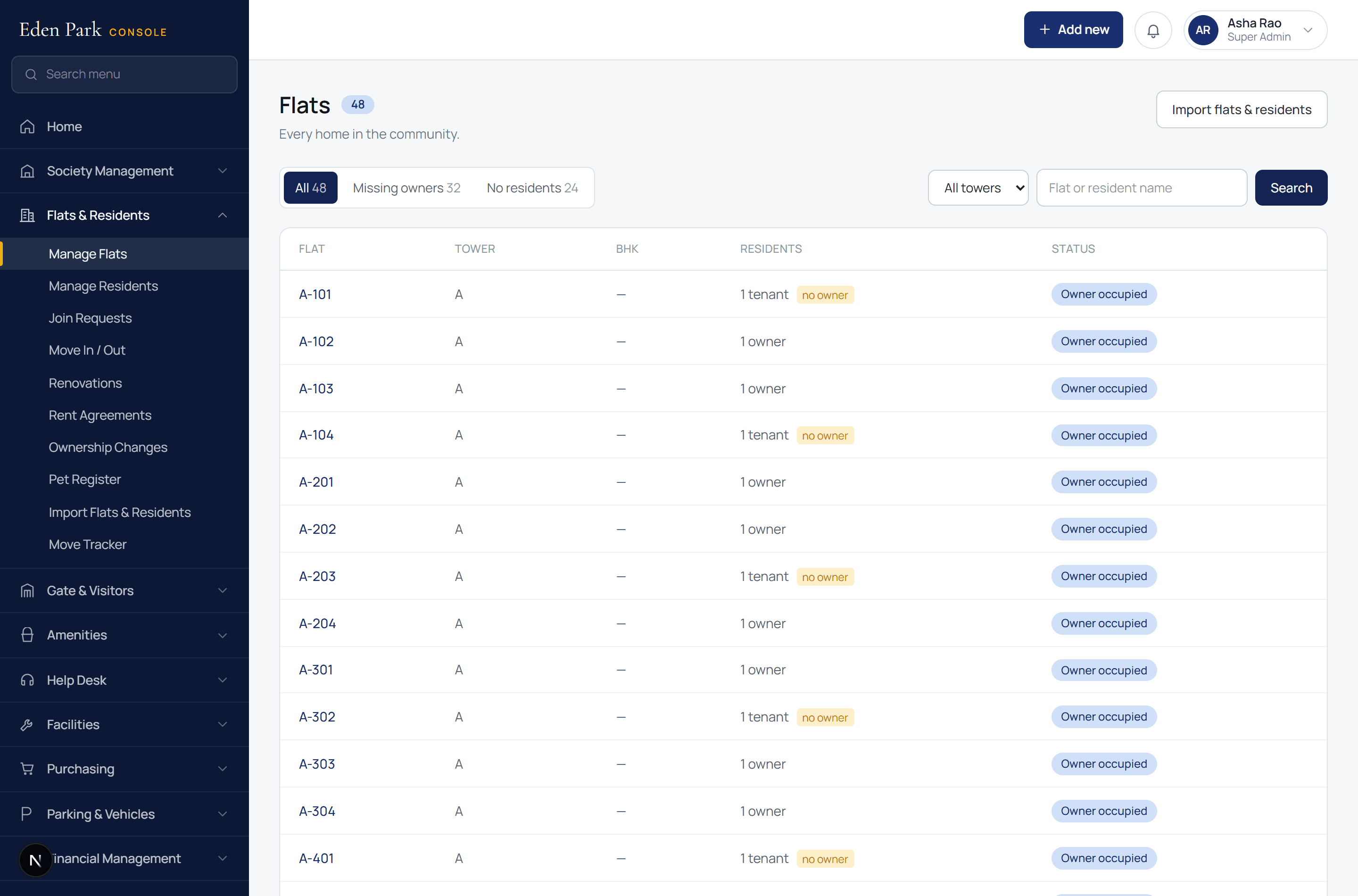
Screenshots of the running application, with a sample society's data.
What it covers
Everything a society runs on, in one console
Not a visitor app with a billing screen bolted on. The books balance, the SLAs tick, and the gate and the ledger are the same system.
The gate
Visitors pre-approved from a phone, gate passes, parcels, daily help, staff attendance, patrol rounds and SOS.
Billing and accounts
Maintenance bills on a schedule, receipts, late interest, UPI and online payments, and double-entry books with Tally export.
Help desk
Tickets routed by category and tower, SLA clocks, escalation ladders, and a view of what is about to break.
Residents and homes
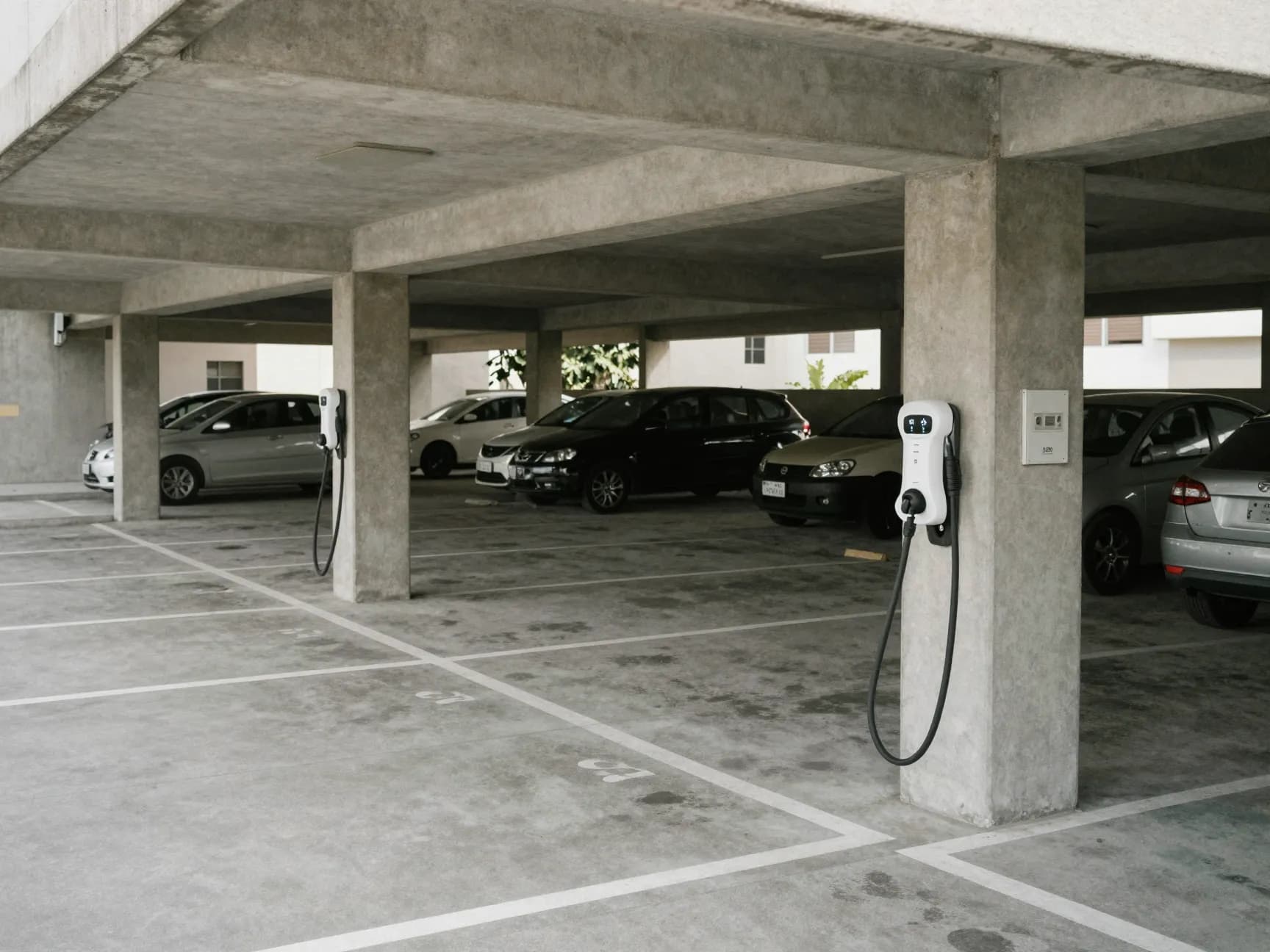
Towers and flats, owners and tenants, move-ins and move-outs, vehicles, parking, pets and rent agreements.
Facilities
Assets, maintenance plans, work orders, utilities and meters, housekeeping, waste and contracts.
Vendors and purchasing
Purchase requests, quotations, orders, goods receipts, vendor bills — and a portal the vendor uses.
Community
Notices, polls, events, meetings, amenities and the clubhouse, a guest house, marketplace and lost and found.
Security and privacy
Two-factor sign-in for staff, access cards, an audit trail, and a resident's own copy of their data.
A day at your society
Most of it should happen without anyone being called
7:10 am
The milk delivery reaches the gate
The guard checks the daily-help list, the entry is logged, and nobody phones a flat at seven in the morning.
11:00 am
A leak is reported from 12B
The ticket routes itself to plumbing, starts an SLA clock, and escalates if it is still open this evening.
4:30 pm
This month's bills go out
The schedule raises them, posts them to the books, and every flat sees its own bill and pays by UPI.
8:45 pm
A guest arrives, unannounced
The guard sends the request to the flat, the resident approves it on their phone, and the boom lifts.
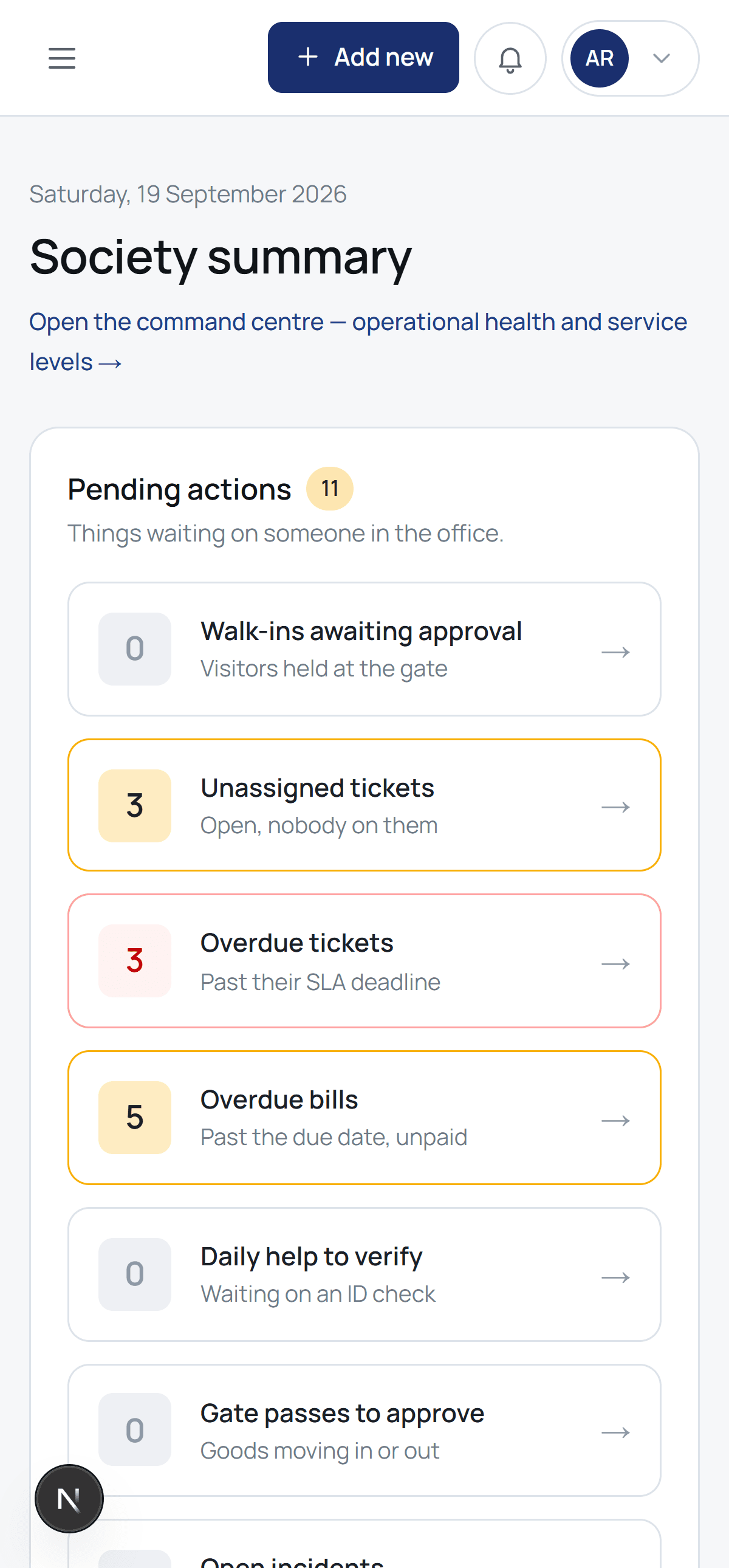
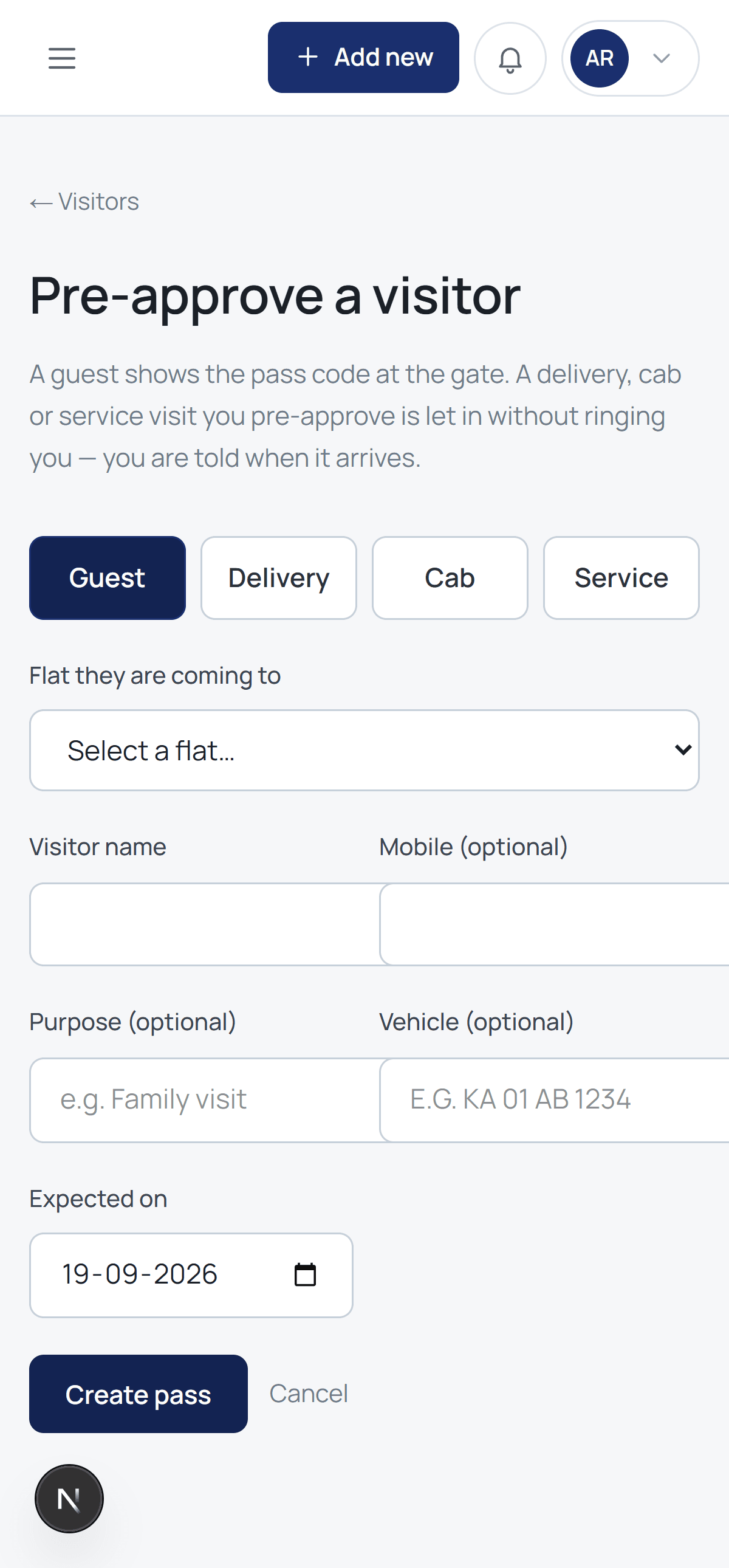
The same system, in a resident's hand
No separate app to install and no password to remember. It opens in the browser, adds to the home screen, and shows the gate alert while the visitor is still standing there.
- Approve a visitor in one tap
- See and pay this month's bill
- Raise a complaint with a photo
- Book the clubhouse
Amenities
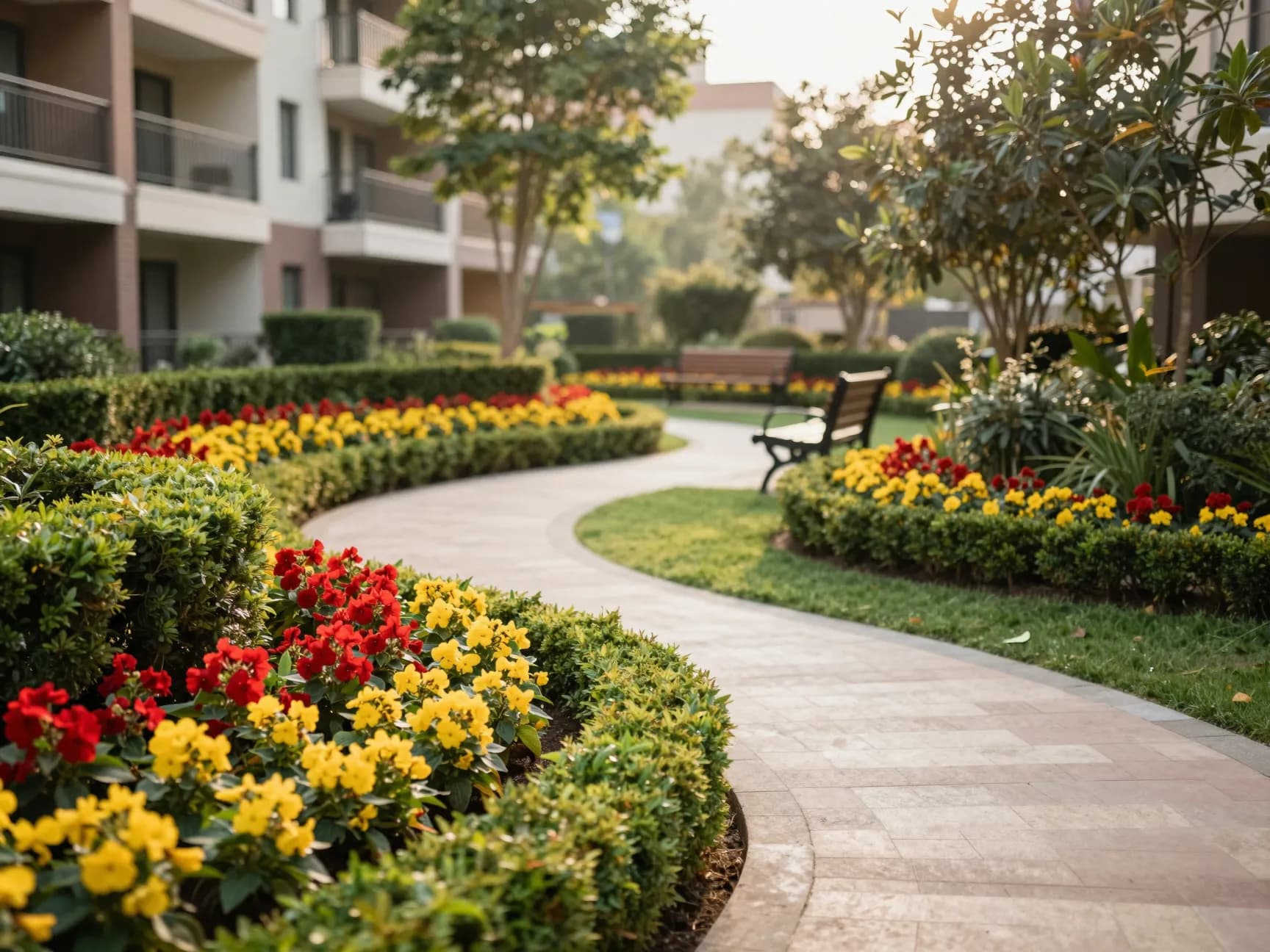
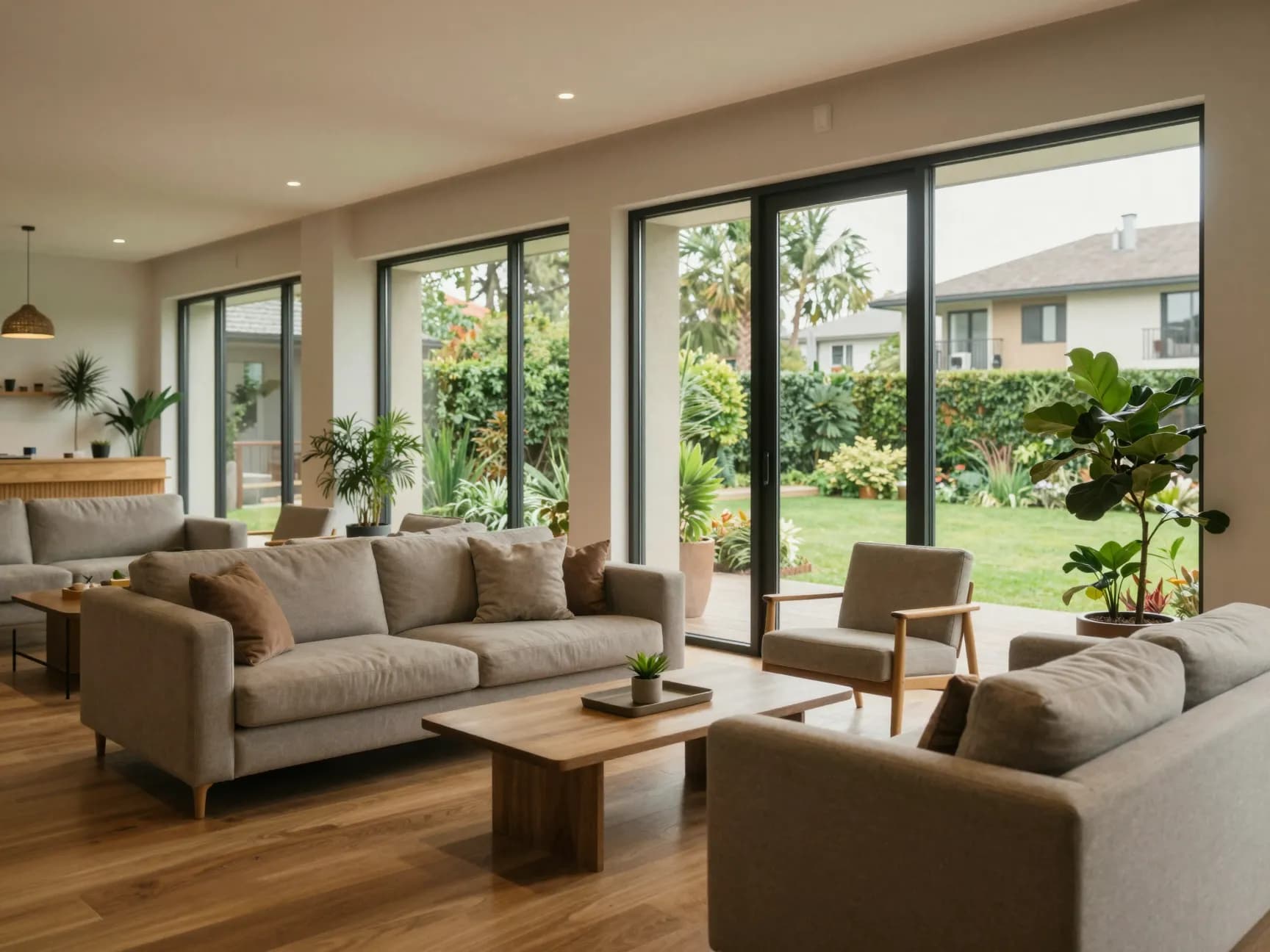
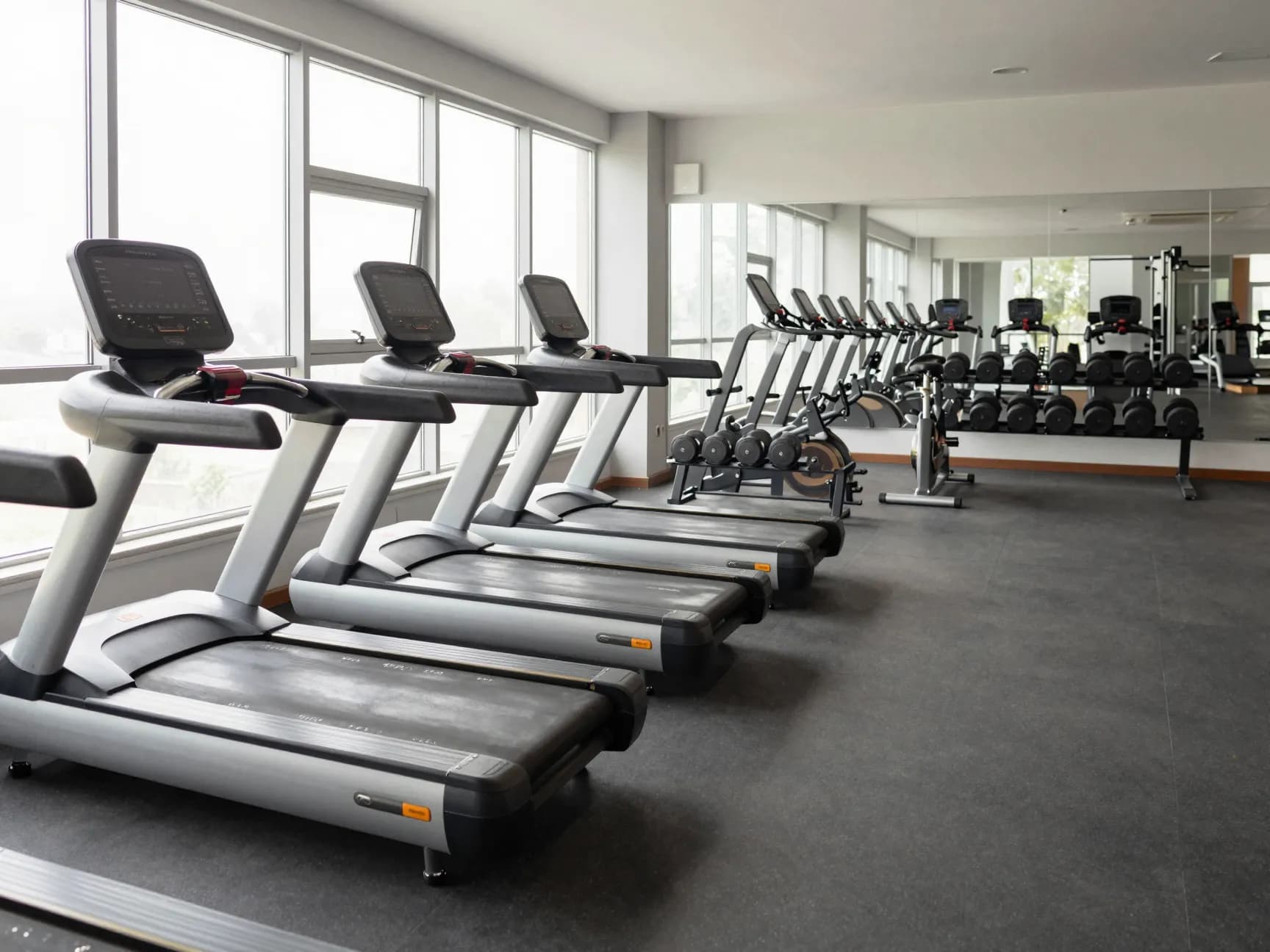
The pool, the clubhouse, the lawn — booked and accounted for
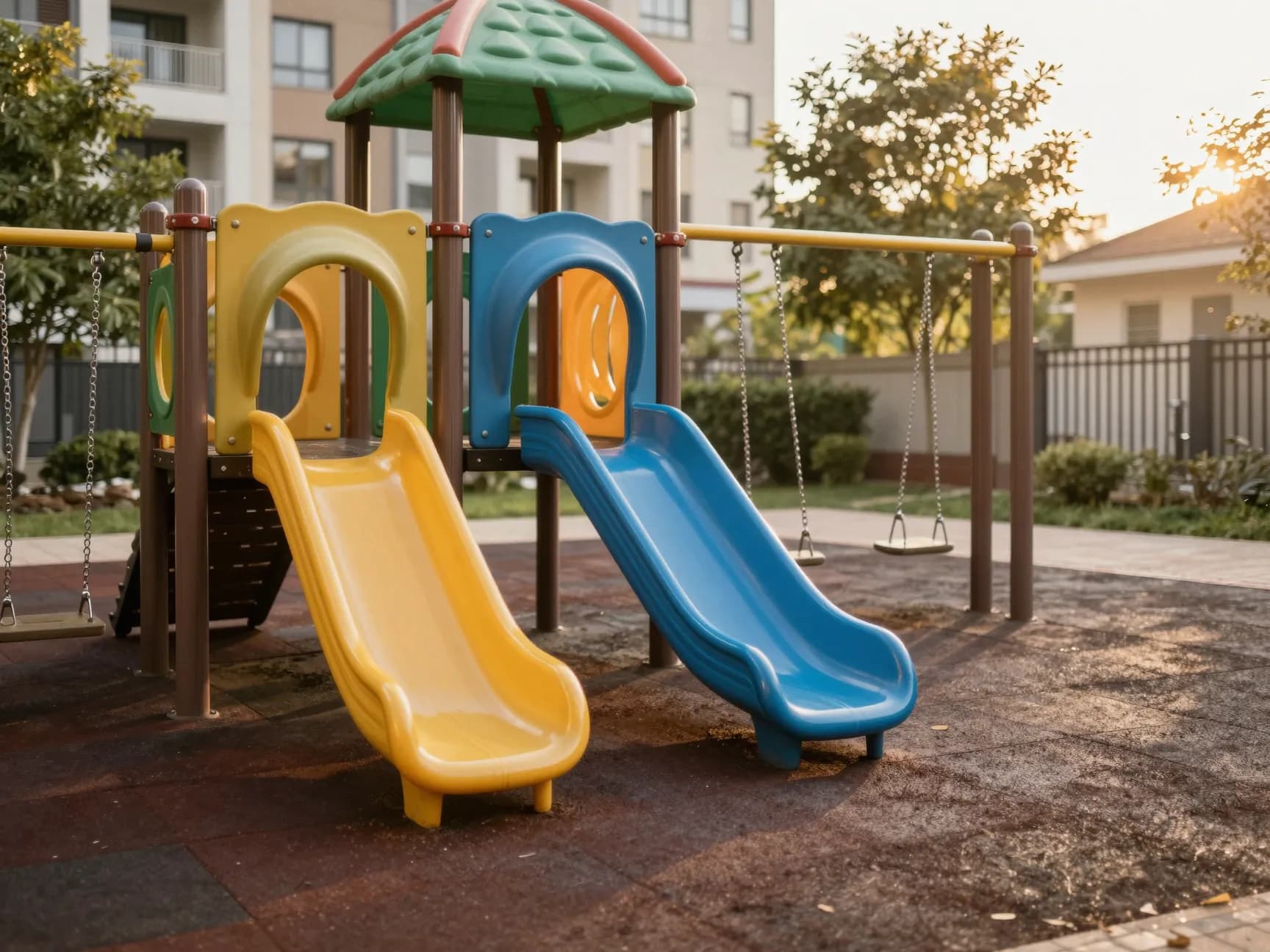
Slots with rules, charges that reach the bill, and a record of who booked what. The same for the gym, the courts, the party hall and the guest rooms.

Who it is for
Four sets of people, one record
Residents
- Approve visitors before they arrive
- See and pay maintenance bills
- Raise a complaint and watch it move
- Book the clubhouse or a court
The committee
- Books that close, and an audit trail
- Where the money went, by head
- Notices and polls that reach everyone
- Vendors, quotations and orders
The estate office
- Bills raised on a schedule
- Help desk with SLAs
- Assets and preventive maintenance
- Staff attendance and housekeeping
Security
- A gate that works on a phone
- Passes, parcels and patrol scans
- Vehicle and plate records
- One button for an emergency
Pricing
Per home, per month
Every society starts with a 30-day trial. No setup fee, and the data is yours to export whenever you want it.
Starter
₹10 / home / month
For 30 homes or more
Most societies
Growth
₹20 / home / month
For 50 homes or more
Enterprise
₹35 / home / month
For 100 homes or more
Why a committee can sign this off
Your society's data is not mixed with anyone else's
Kept apart by the database
Every table is behind a policy keyed to one society. A query that forgets which society it is for returns nothing — not somebody else's rows.
Reviewed before it exists
A society is created only after a person checks that whoever asked for it actually runs it.
An audit trail you can read
Who changed what, and when. Committees turn over; the record does not.
Your data, exportable
Books to Tally, registers to spreadsheets, and a resident's own copy on request.
Questions
What committees ask first
How is our data kept apart from other societies?
By the database, not by the application. Every table a society owns is behind a policy keyed to that society, so a query that forgets which society it is for returns nothing at all — it cannot return another society's rows. The two roles the application connects as are not the owner of the tables and cannot switch the policies off.
Can anyone register a society and invite our residents?
No. A request is reviewed by a person before a society is created. Whoever asks has to show they act for the society — a maintenance bill in their name, a committee resolution, a registration certificate. A society's site holds its residents' names, homes and movements, so it is only ever handed over on evidence.
What happens to our data if we leave?
It is yours. The books export to Tally, the registers export as spreadsheets, and any resident can ask for their own copy. Nothing is held back to make leaving harder.
Do residents need to install an app?
No. It runs in a phone's browser and can be added to the home screen, where it behaves like an app and can show gate alerts. There is nothing to install from a store.
How do residents sign in?
With their mobile number and a code sent to it. No passwords to forget, and the number is already what the society has on record. Staff accounts can be required to pass a second factor.
Can we pay maintenance online?
Residents can pay by UPI to the society's own account and report it, and the office matches it against the bank. A payment gateway can be switched on for cards and net banking once the society's account is set up for it.
Who can see a resident's phone number?
The estate office and the roles a committee grants. A neighbour does not, unless a committee member has chosen to publish their own number.
What does it cost to try?
Thirty days, free, with no card. After that it is per home per month on the plan the society picks.
Already on Society Adda?
Enter your society's web address to sign in there.
Bring your society onto its own address
Tell us about it, show us you run it, and it is yours to set up the same day it is approved.